Step 1: Log In to your MLGW My Account
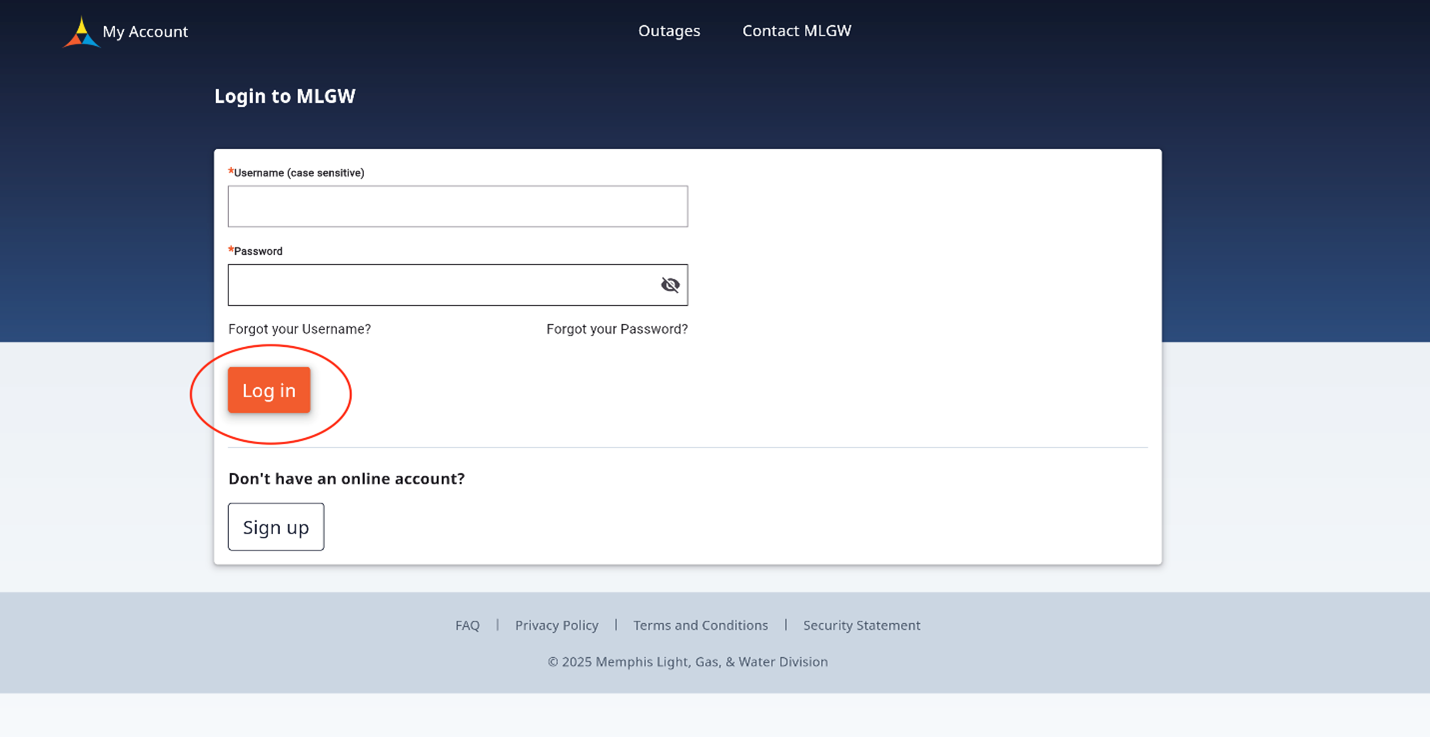
Go to the login page and enter your My Account username and password. If you don’t have an account yet SIGN UP here.
Step 2: Select Stop/Transfer Service
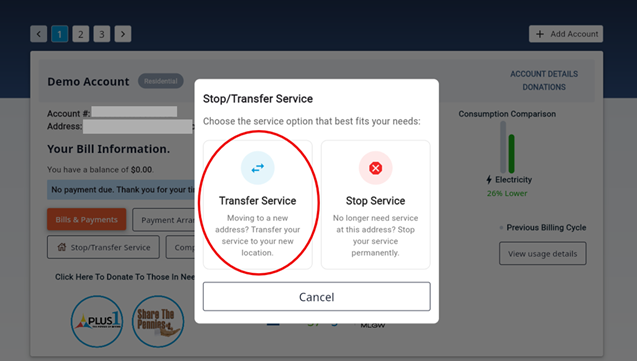
Once logged in select the Stop/Transfer Service button on the account you would like services to be Transferred.

Step 3: Stop Services
After selecting the Stop/Transfer Services button you will be prompted to select service option. Select Transfer Service option to proceed with transfer service application.